Window tint simulator: show the shade before you install
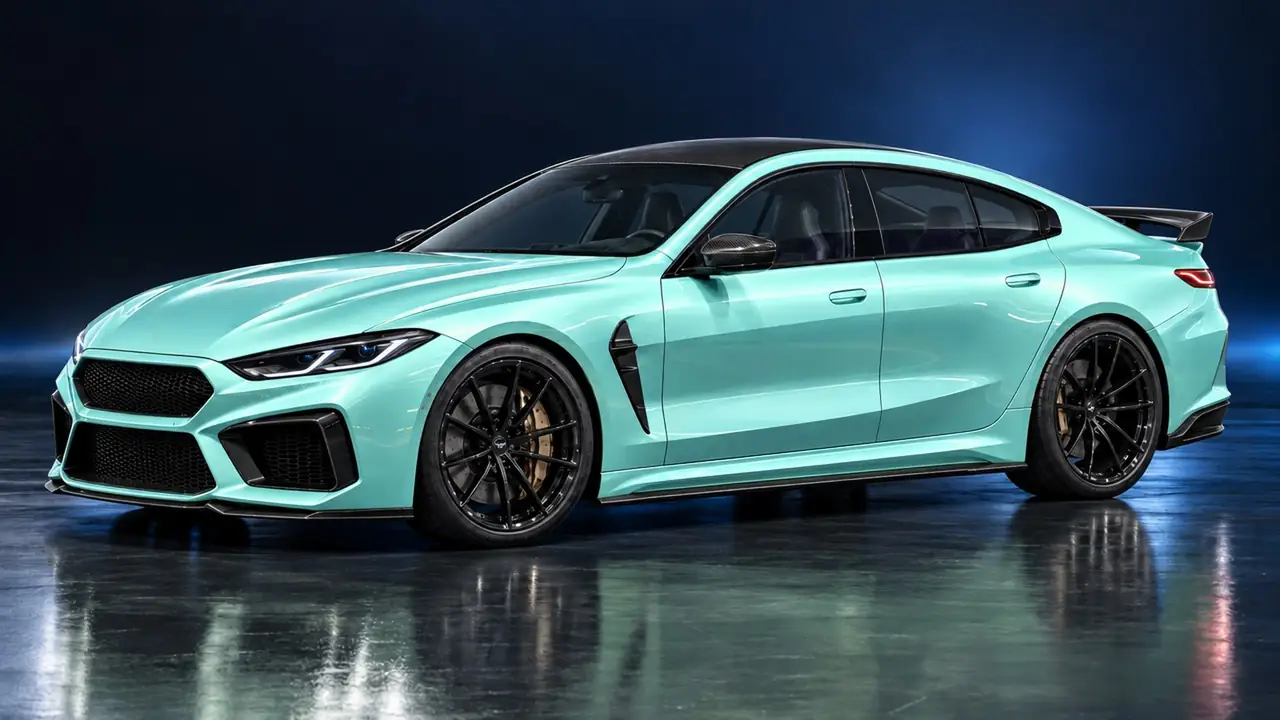 Without filmWith film
Window tint
A lower number is darker. Tint laws differ by state and window, so check local rules before recommending a shade. Illustration on a concept car. This is a preview aid, not a guarantee of how film looks on real glass.
Glacier offers the Film Studio, a window tint simulator that shows customers different shades on a concept car. Pick a shade for each window group, switch between front and rear angles, then drag a divider to compare the glass with and without film. It is a preview aid, not a guarantee of how film looks on glass.
What does the window tint simulator do?
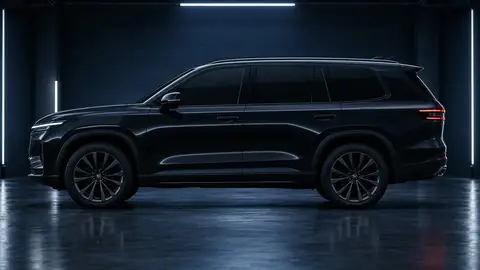
The Film Studio shows concept cars: pick a sports coupe, SUV, pickup or coupe. They are illustrations, not specific vehicles. You choose a shade, and the glass on the picture darkens to match.
- Front angle and rear angle views of the car.
- Separate shade choices for the windshield, the rear window, the front doors, and the rear doors and quarter glass.
- A range of shade steps on each window group, from no film to very dark.
- A Link front and rear button that applies the same shade to the front doors and to the rear doors and quarter glass.
- A divider you drag across the car, with Without film on one side and With film on the other.
How does a shop use the simulator with a customer?
Open the Film Studio on a tablet, a laptop or a counter screen, and let the customer see the options before the booking.
- 1. Ask which windows the customer wants tinted.
- 2. Pick a shade for each window group. The windshield shows from the front angle and the rear window from the rear angle.
- 3. Drag the divider back and forth to compare the glass with and without film.
- 4. Use Link front and rear when the customer wants the same shade on every side window.
- 5. Check the state rules for each window before you recommend a shade.
- 6. Confirm the final film and shade against a physical sample.
What does the shade preview show, and what does it not show?
The simulator is a preview aid, not a guarantee of how film looks on glass. Treat it as a way to start the shade conversation.
| The preview shows | The preview does not show |
|---|---|
| How dark each shade looks on each window group, with and without film | How a specific film line looks on a specific vehicle's glass |
| Concept cars from a front angle and a rear angle | Your customer's own vehicle |
| One shade at a time for each window group | Which Glacier film line to choose |
| A side-by-side comparison you control with the divider | Whether a shade is legal where the vehicle is registered |
What do the shade numbers mean?
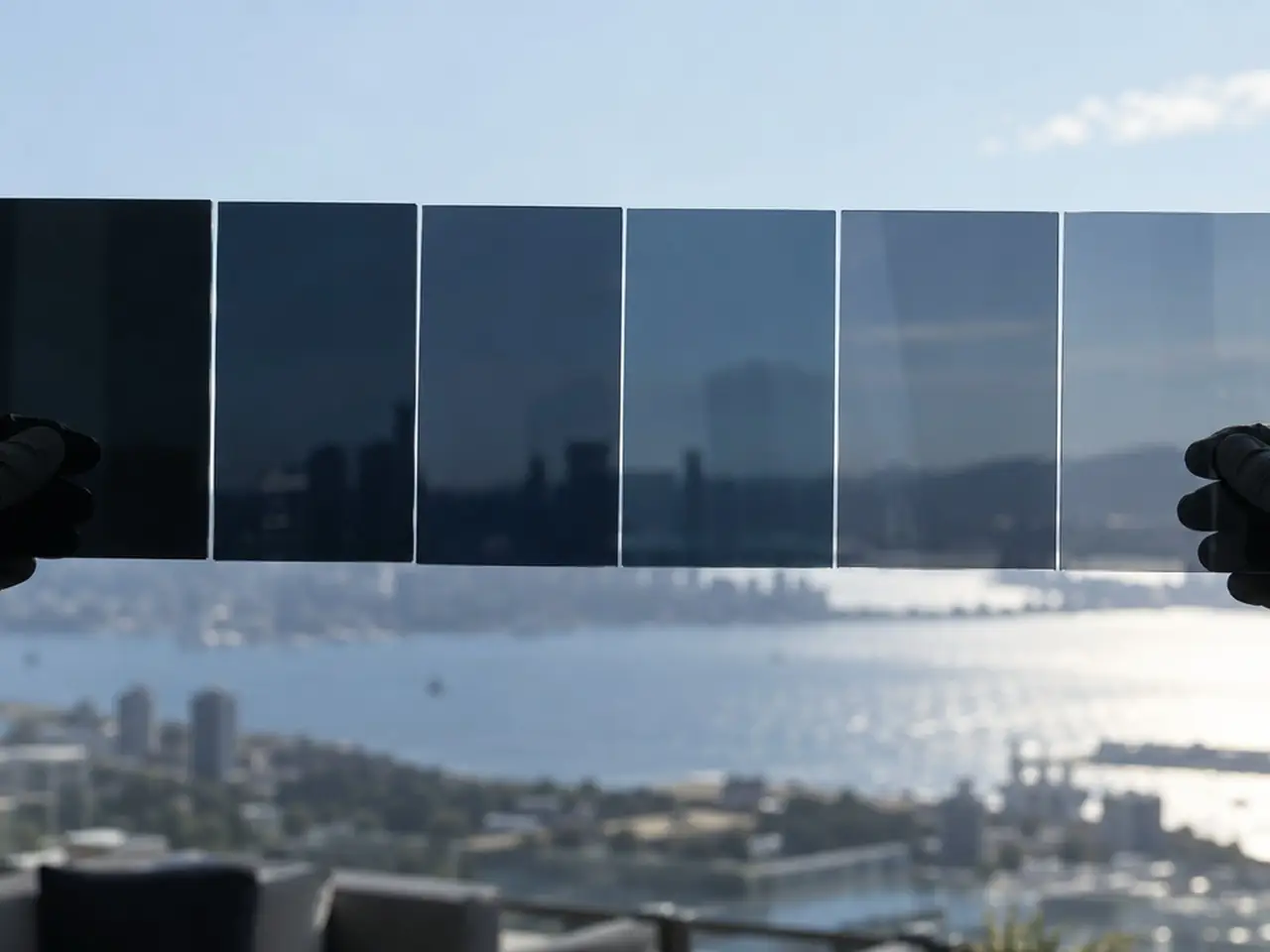
VLT stands for visible light transmission, the amount of visible light a window lets through. A lower number lets less light through, so the window looks darker. The simulator follows the same rule: a lower number is darker.
Are the shades I preview legal?
The simulator does not check the law. Tint laws differ by state and by window, so check the rules for the state before recommending a shade. Start with the state tint laws pages. This is general information, not legal advice.
Who uses the Film Studio?
Glacier sells wholesale to tint shops, installers and dealers. Drivers can use the dealer finder to locate a Glacier shop.
- Tint shops that want to show customers shades before a booking.
- PPF installers and detail shops that also offer window tint.
- Dealers whose shops offer tint.
- Drivers who want an idea of the options before visiting a professional shop.
What does the simulator not replace?
- A physical film sample held against real glass.
- A conversation about which film line suits the customer.
- A check of the state rules for each window.
- A professional installation by a shop.
Does Glacier have other simulators?
Yes. Separate tools cover privacy film, flat glass film and perforated film. See the related links below.

Film Studio at a glance
- Concept cars: sports coupe, SUV, pickup or 2-door coupe
- Separate shade choices for the windshield, rear window, front doors, and rear doors and quarter glass
- A Link front and rear button matches the side windows
- Does not check tint law: check state rules before recommending a shade
Common questions
What is the Glacier Film Studio?
The Film Studio is a window tint simulator. It previews window tint shades on concept cars, with front and rear angles and a divider that compares the glass with and without film.
Does the simulator show my own car?
No. It shows concept cars, which are illustrations. Use it to compare shades in general, then confirm the final choice with your shop.
Can I preview a different shade on each window?
Yes. Pick a shade for the windshield, the rear window, the front doors, and the rear doors and quarter glass. Use Link front and rear to match the side windows.
Does the simulator guarantee how the film will look?
No. It is a preview aid, not a guarantee of how film looks on glass. Real results depend on the vehicle, the glass and the film, so look at a sample before you decide.
How do I know which shade is legal?
The simulator does not check the law. Tint laws differ by state and by window, so check your state before choosing. The state tint laws pages are general information, not legal advice.
Does the simulator pick a film for me?
No. It previews shade only. Ask your shop which film line it uses, or ask your Glacier rep about the lines Glacier supplies.