
Smart Card: rounded-profile rigid card for edge work
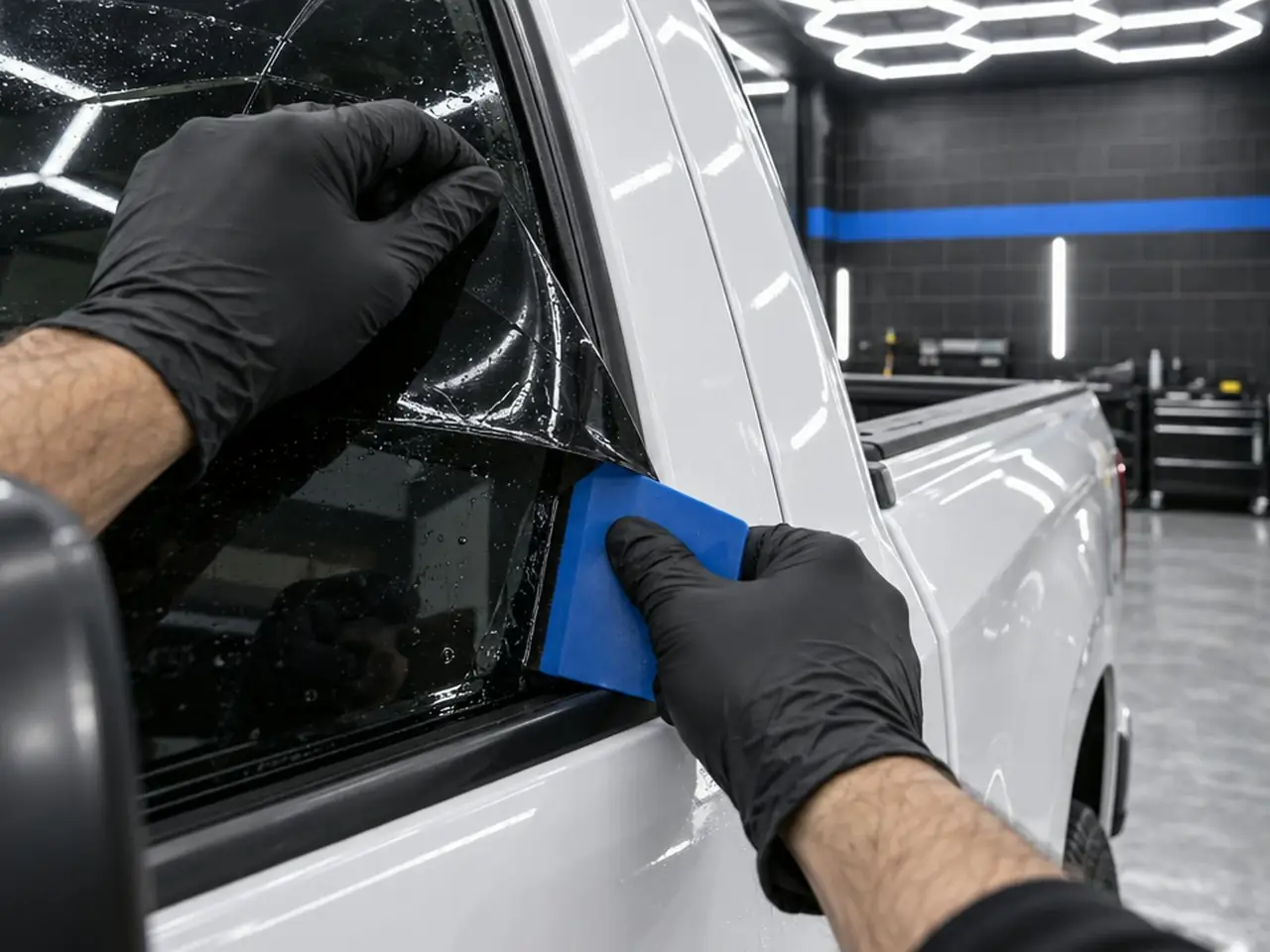
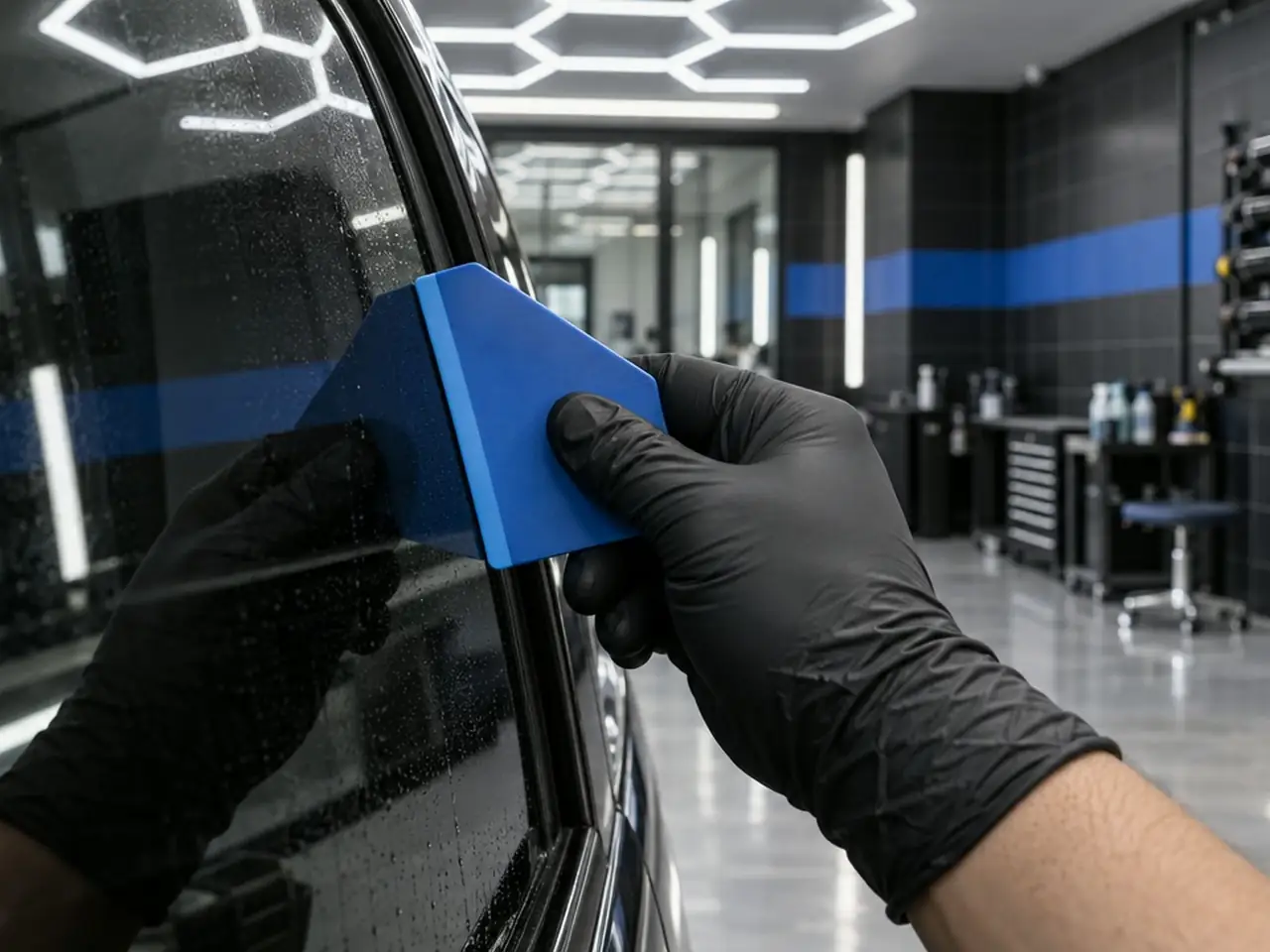
Smart Card is a rigid card for edge and channel work, with a rounded profile instead of a straight edge. The rounded shape gives a different grip and a different edge feel than Hard Card for the same prep jobs. It is blue with the Glacier logo.
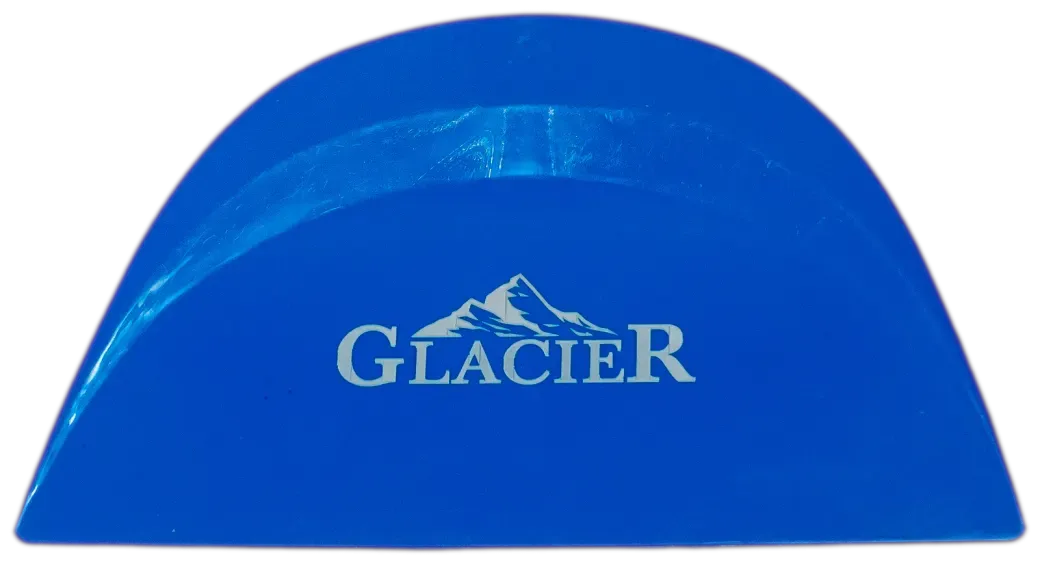
Smart Card
Smart Card is a rigid card for edge and channel work, with a rounded profile instead of a straight edge. The rounded shape gives a different grip and a different edge feel than Hard Card for the same prep jobs. It is blue with the Glacier logo.
How installers use it
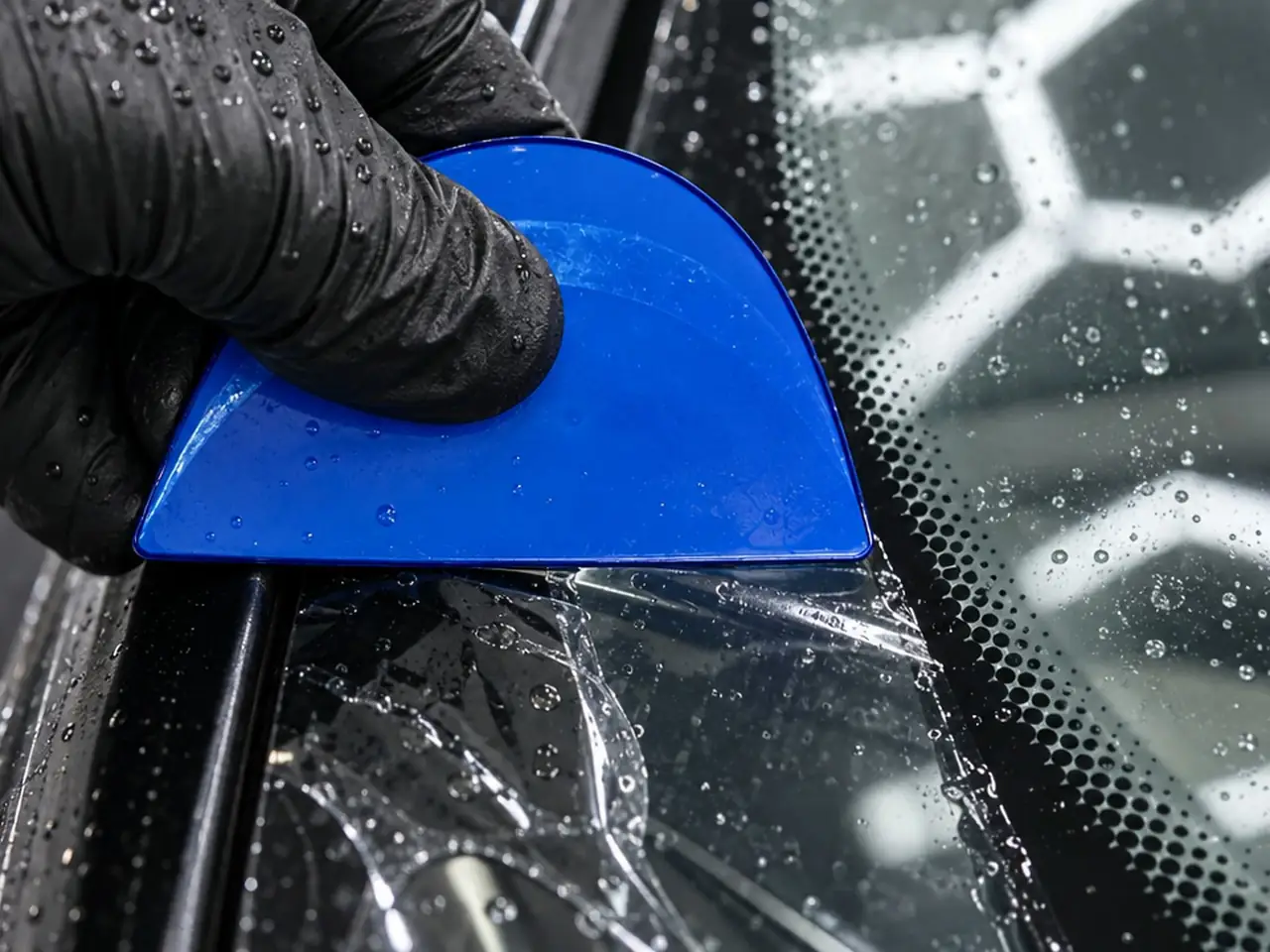
- Wet the channel or glass edge with slip solution before you start.
- Run the rounded profile along the channel to clear it.
- Work the glass edges with even pressure, keeping the card for borders and corners.
- Wrap it in cloth or a paper towel when bumping edge water out, as with any rigid card.
Hold the Smart Card with the rounded profile forward, and let the curve ride into the channel or glass edge rather than the corner of the card. The rounded shape follows a channel more gently, which suits borders and gasket lines. Keep the glass wet, use even pressure along the whole run, and wipe loosened debris away with a lint-free towel before moving on to tack-down. Store it with the other cards afterward, so the rounded edge stays free of grit from the cart.
Why shops like it
Installers who prefer a rounded edge to a straight one get the same rigid-card job with a different feel. Hard Card is the straight-edge alternative, so it is easy to try both and keep whichever sits better.
At a glance
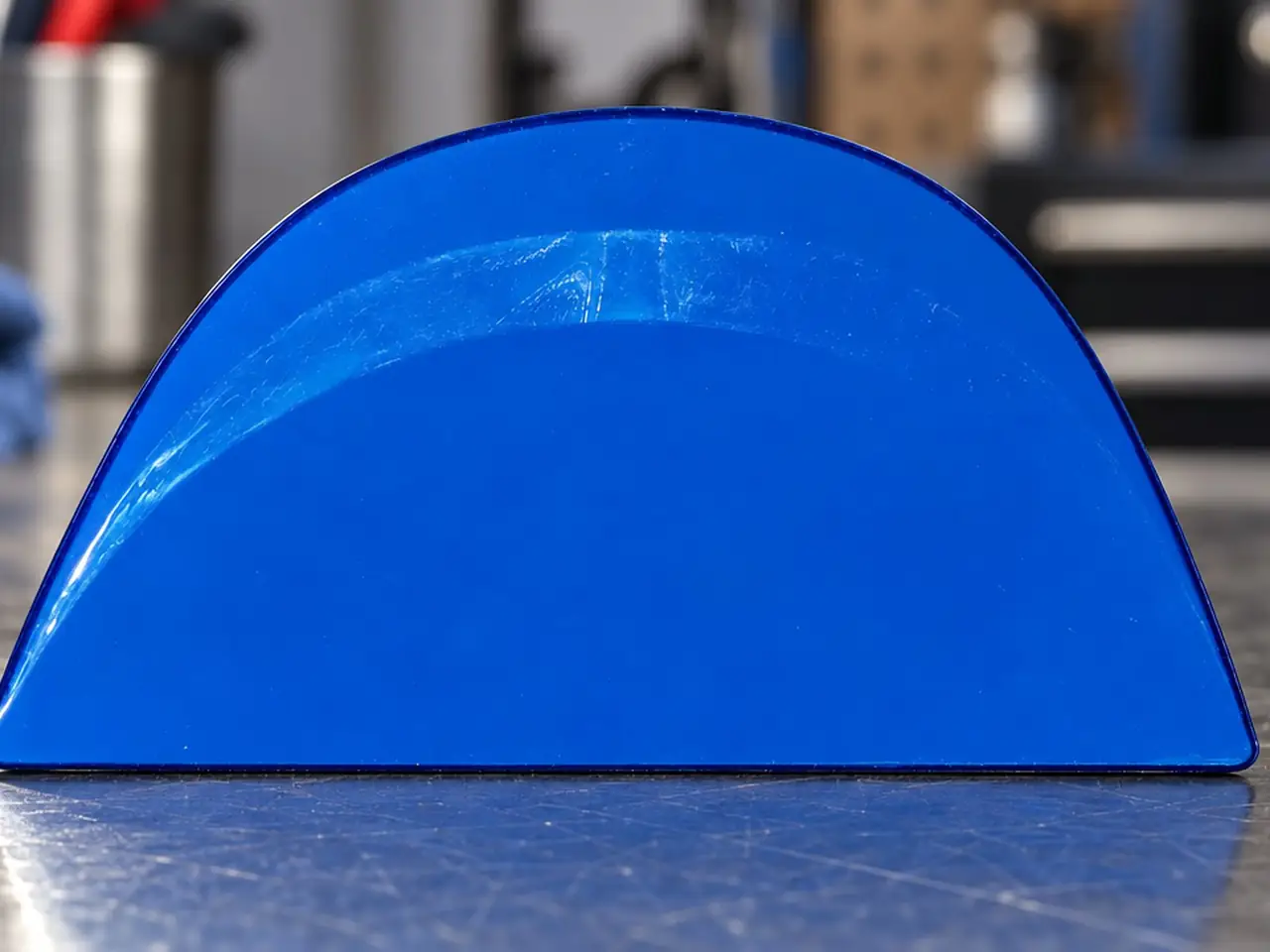
- Type
- rigid card
- Edge
- rounded profile
- Color
- blue
- Marking
- Glacier logo
Pairs with
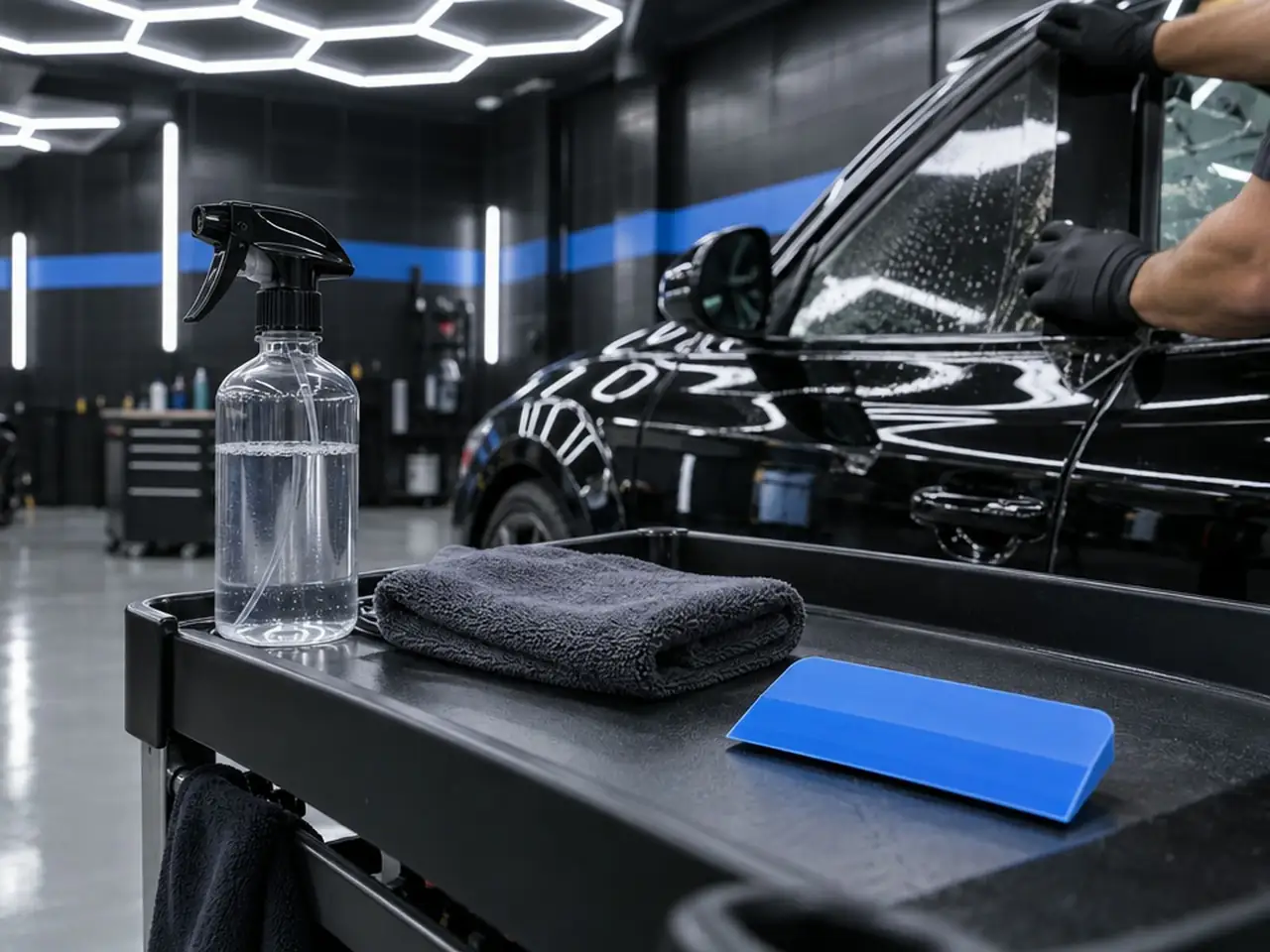
Hard Card is the straight-edge alternative in black, green, red or white; Smart Card is blue with the Glacier logo and a rounded profile, and the Lil Chizler is the small contour tool for tight corners and trim lines.
Why choose a Smart Card?
The Smart Card is a rigid card for edge and channel work, with a rounded profile for a different grip than the Hard Card. If one card does not suit you, the other may.
How do you use a Smart Card?
- Clean and wet the glass with your normal solution.
- Work the card along the glass edge and channel.
- Wipe loosened debris away with a lint-free towel.
- Re-check the edge in bay light.
- Rinse and store it with your other cards and squeegees.
- Move on to tack-down.
Who buys the Smart Card?
- Tint shops that give installers a choice of tools
- Mobile installers building a compact kit
- Shops standardizing on rounded-edge tools
- Detailers who tint in-house
Smart Card or Hard Card?
Glacier separates them by profile and grip, not by job. Ask your rep about material and size, and for samples.
| Tool | Shape or format | What it is for |
|---|---|---|
| Smart Card | Rigid card, rounded profile | Edge and channel work |
| Hard Card | Rigid card, black, green, red or white | Clears tint channels and glass edges during prep |
| Lil Chizler | Small contour tool | Tight corners and trim lines |
Treat Smart Card and Hard Card as different grips on the same job. If a straight edge feels like it wants to dig into a channel, the rounded profile may sit more comfortably; if a straight edge feels natural along a border, Hard Card may suit you better. Try both on a real window and keep whichever your hand prefers. Wrapping either card in cloth helps bump edge water out and reach into corners.
Does Glacier supply Smart Card to shops across the US?
Glacier serves shops and installers across the US. Ask your Glacier rep about availability and how to set up a wholesale account.
To go further, read how tint shops choose squeegees, blades and hard cards, tool sets for window tint and flat glass film, how to prep glass for tint and the tint shop equipment checklist.
Keep exploring
Related products

Guides
Quick answers
How is it different from Hard Card?
Smart Card has a rounded profile; Hard Card has a straight edge. Both do edge and channel prep.
Can I wrap it?
Yes. Installers commonly wrap rigid cards in cloth to bump edges dry and reach corners and gaskets.
What color is Smart Card?
Blue, with the Glacier logo.
Can the Smart Card replace my squeegee for tack-down?
No. It is a rigid card for edge and channel prep, and tack-down still belongs to a squeegee. The card clears the border and channels first so the squeegee has a clean surface to work.
What should I do with the Smart Card after prep?
Wipe it clean, rinse it and store it with your other cards and squeegees. Check the glass edge in bay light before tack-down, and clear the card first so channel debris is not carried onto the next window.