
Vinyl Cutter Blade
Replacement cutting blade
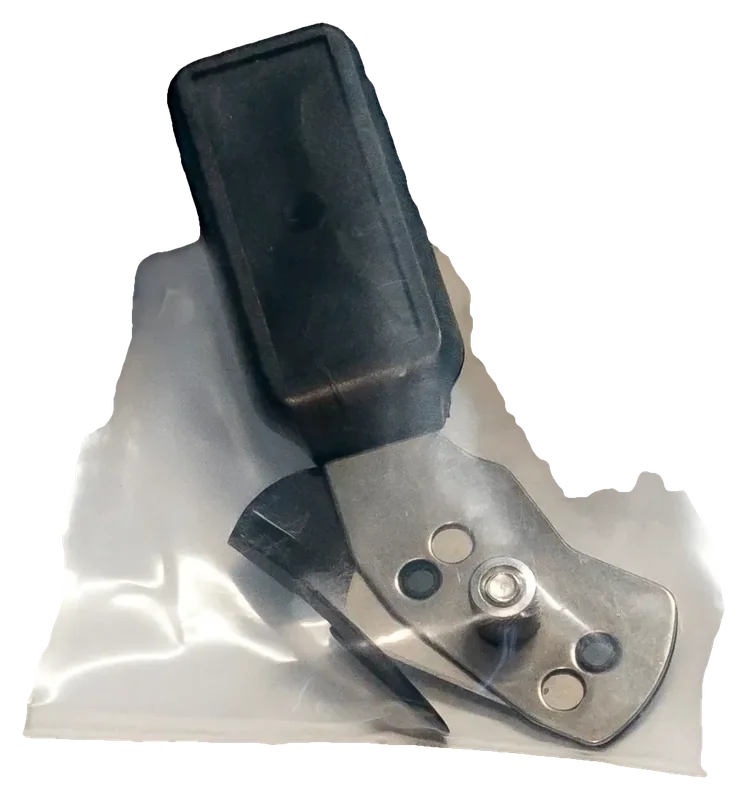
Vinyl Cutter Blade
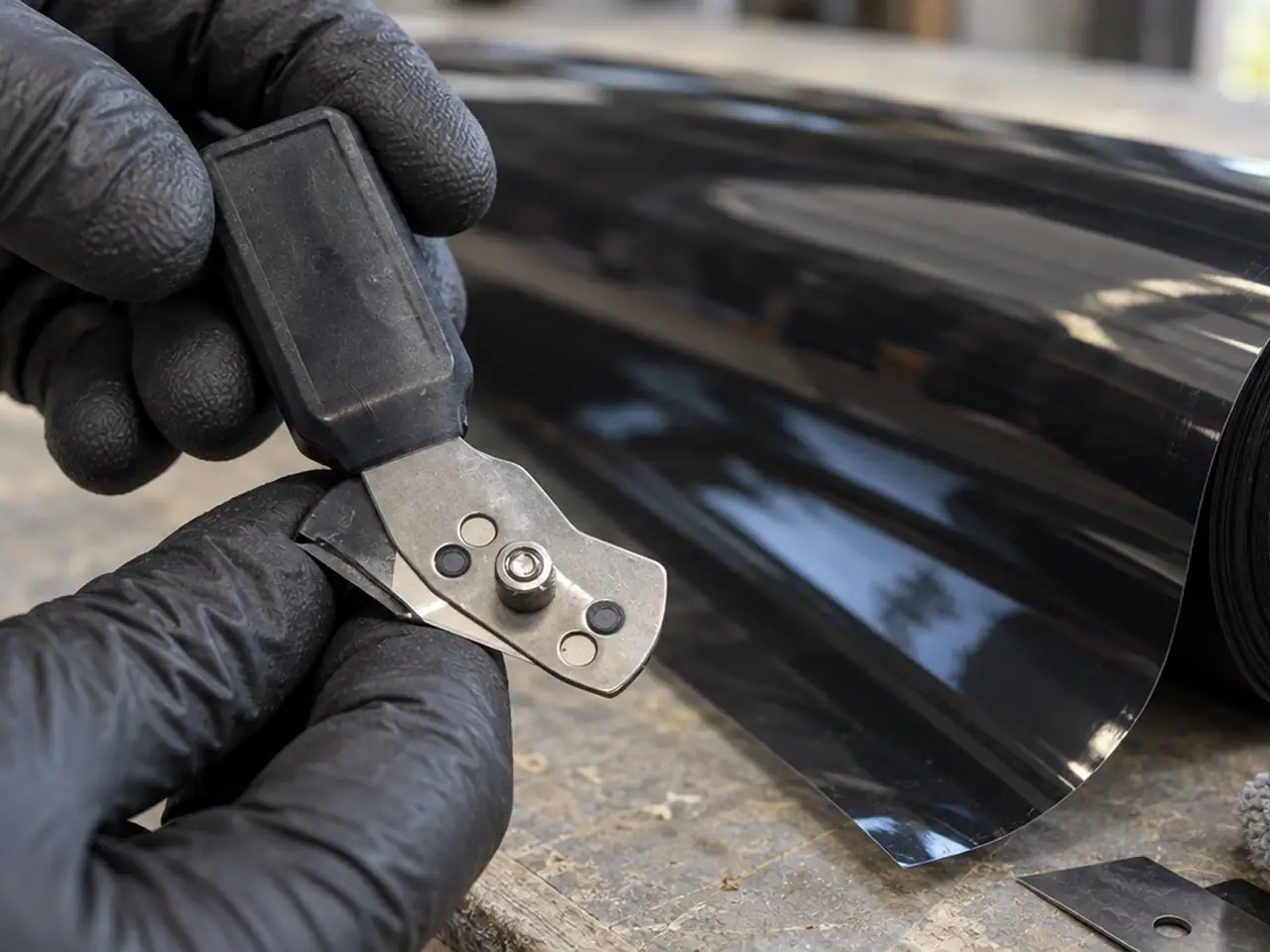
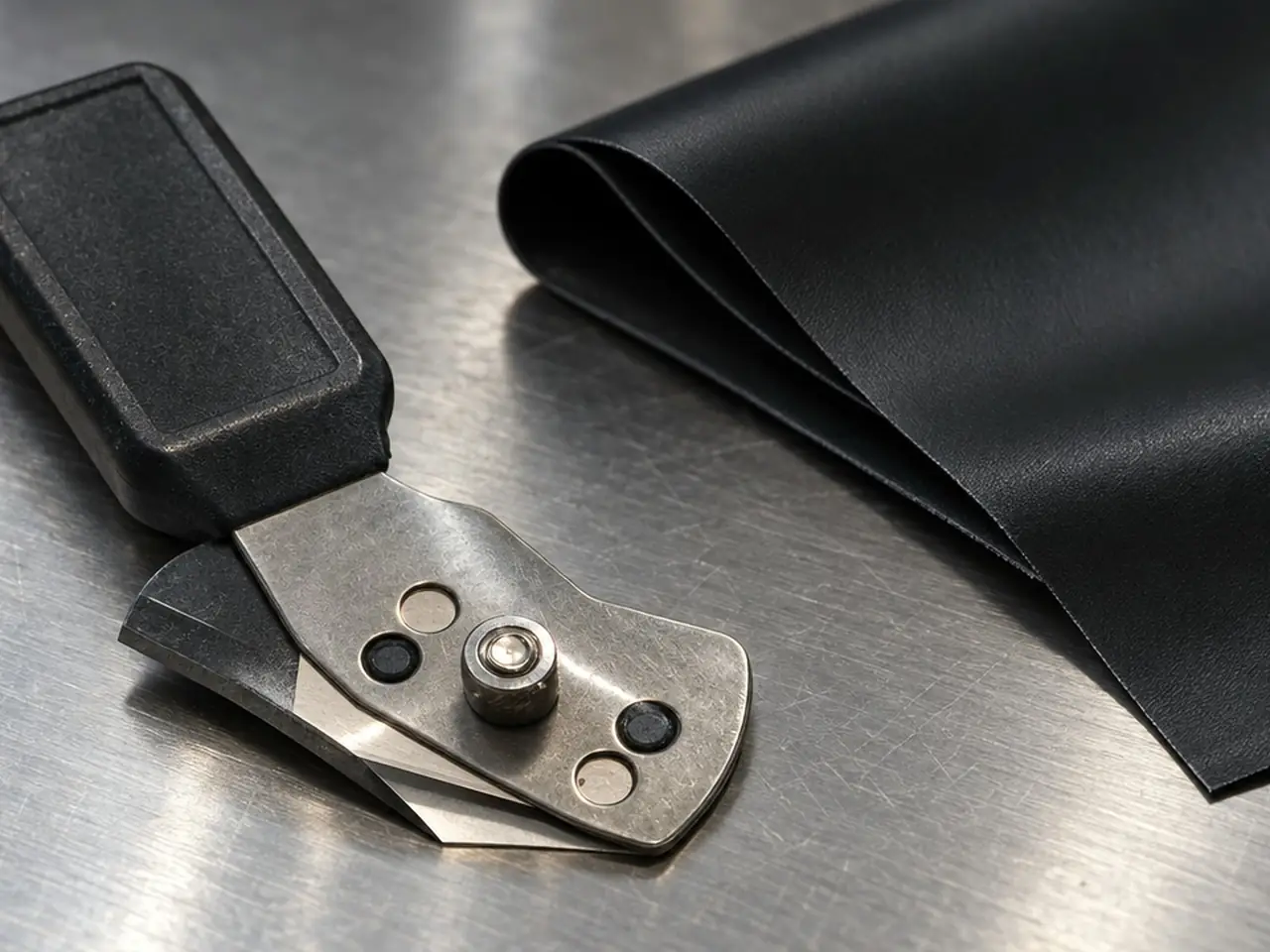
Vinyl Cutter Blade is a replacement cutting blade, a wear part replaced as the edge dulls. It is a direct replacement, not a proprietary consumable tied to one system. The photos show the blade holder with its blade.
How installers use it
- Watch for hard weeding, jagged cuts or corners that do not close: these are the usual signs of a worn blade.
- Before swapping, clear trapped film scraps from the holder and check the tip for chips, since debris can mimic a dull blade.
- Fit the new blade and expose only as much tip as the film needs, then run a test cut.
- Keep a spare on hand so a dull blade does not stop a cutting session.
Why shops like it
A spare blade turns a worn tip into a quick swap instead of a halt in pattern cutting.
At a glance
- Type
- plotter replacement blade
Pairs with
Unlike the 30 Degree Black Steel Blade, which is a utility-knife blade for fine detail and graphics, this one is made for plotter cutting.
Why use the Vinyl Cutter Blade?
A dull plotter blade tears film and wastes material. Keeping spares means a swap, not a delay.
- This blade is a wear-part replacement; ask your Glacier rep what product information is available.
- Supplied by Glacier to tint and PPF shops.
A worn blade rarely announces itself, and the symptoms show up in the film. Hard weeding, jagged edges and corners that do not close are the cue to look at the blade, but check the holder first, since trapped film scraps can imitate a dull tip. A spare kept near the plotter turns the swap into a quick job, and used blades belong in a disposal container, not loose on the bench.

How do you use the Vinyl Cutter Blade?
- 1. Power down or pause the plotter before touching the blade holder.
- 2. Remove the old blade carefully and set it in a disposal container.
- 3. Install the new blade and confirm it is held firmly.
- 4. Run a test cut on scrap and check cut depth and edge quality.
- 5. Calibrate if cuts drift; see the plotter calibration guide.
A test cut tells you more than a look at the tip. After fitting the blade, run a small cut on scrap film and check whether lines close at the corners and whether the cut depth looks right. If corners lift or the blade drags, adjust before the real job. Expose only as much tip as the film needs, because extra tip can tear the film instead of cutting it cleanly.
Who buys the Vinyl Cutter Blade?
- Tint shops running a cutting plotter.
- Wrap shops.
- Shop managers stocking plotter consumables.
How does the Vinyl Cutter Blade compare with hand-cutting blades?
| Blade | Used for | Fits |
|---|---|---|
| Vinyl Cutter Blade | Plotter cutting | Glacier's plotters |
| 9mm Stainless Steel Blades | Utility knife cutting | Utility knives |
| 30 Degree Black Steel Blade | Fine detail and graphics | Utility knives |
Where do shops get it?
Glacier serves shops and installers across the US; ask your Glacier rep about availability. Request a quote for Vinyl Cutter Blade. Glacier sells to shops, installers and dealers, not to drivers or homeowners directly.
For related reading, see how tint shops choose squeegees, blades and hard cards, tool sets for window tint and flat glass film, how to prep glass for tint and the tint shop equipment checklist.
Keep exploring
Related products
Quick answers
How do I know it is time to replace it?
Hard weeding, jagged edges, uncut corners or a chipped tip are the common signs.
What if cuts are poor but the blade looks fine?
Clear film scraps from the holder and test with a fresh blade, since buildup and a worn holder can cause the same symptoms.
Does blade angle matter?
Plotter blades come in different angles, and changing angle usually means changing the offset setting, so follow your plotter's settings.
How much blade tip should I expose?
Only as much as the film needs. A test cut on scrap confirms it. If cuts are still poor, check the holder for film scraps before changing the depth again, since buildup can mimic a blade problem.